
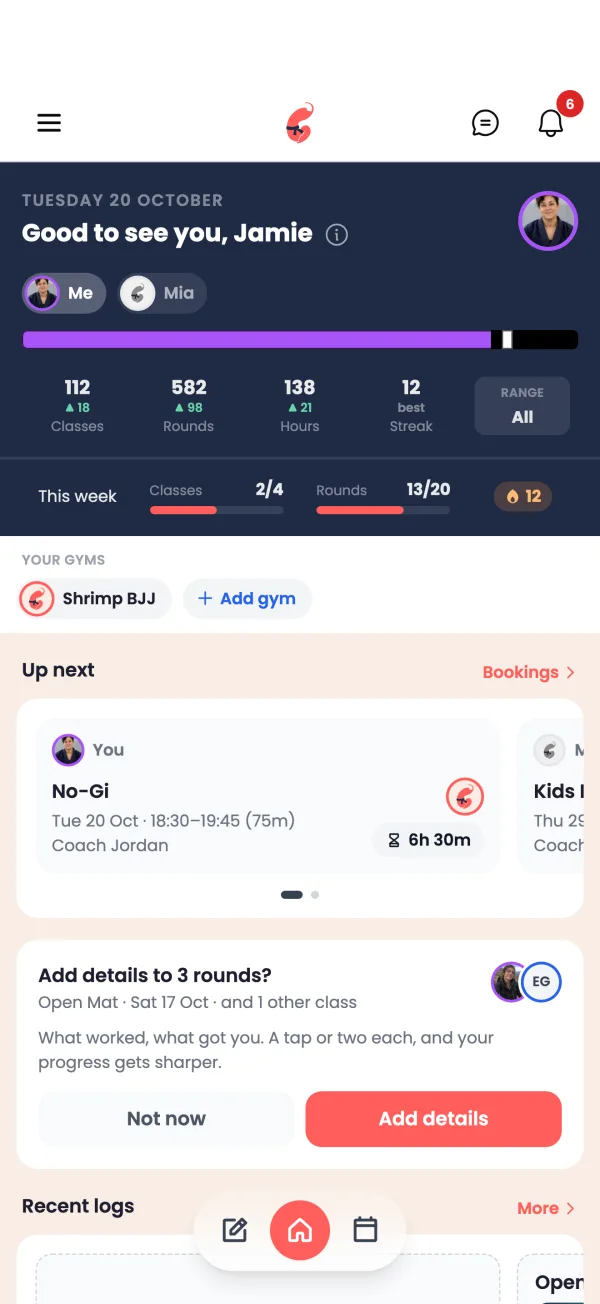
Book your class in a couple of taps.
Your gym's timetable is always with you. Pick a class, tap to book, and it waits on your home screen until it's time to train.
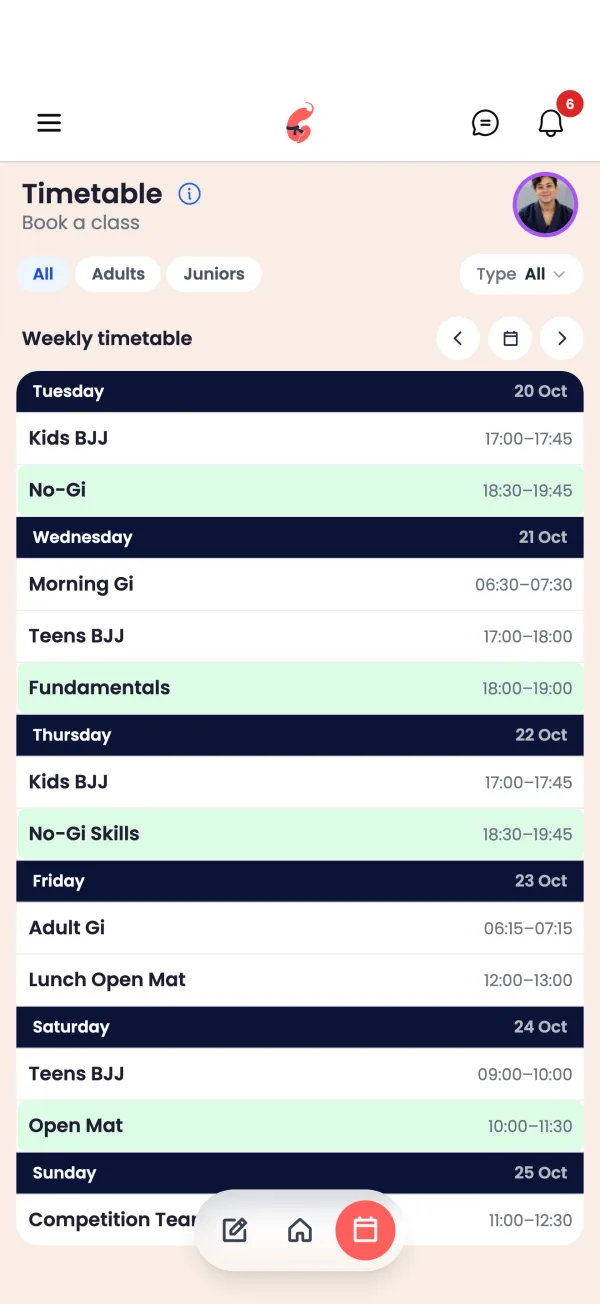
- The whole week at a glanceEvery class and its time, with the ones you've booked marked.
- Your next class on HomeSee what's up next and how long until it starts.
- Gym news where you'll see itAnnouncements from your gym sit at the top of your home screen.
Every roll you've logged, in one place.
After class, note what you drilled, how many rounds you rolled and anything worth remembering. It's all there next time you need it.
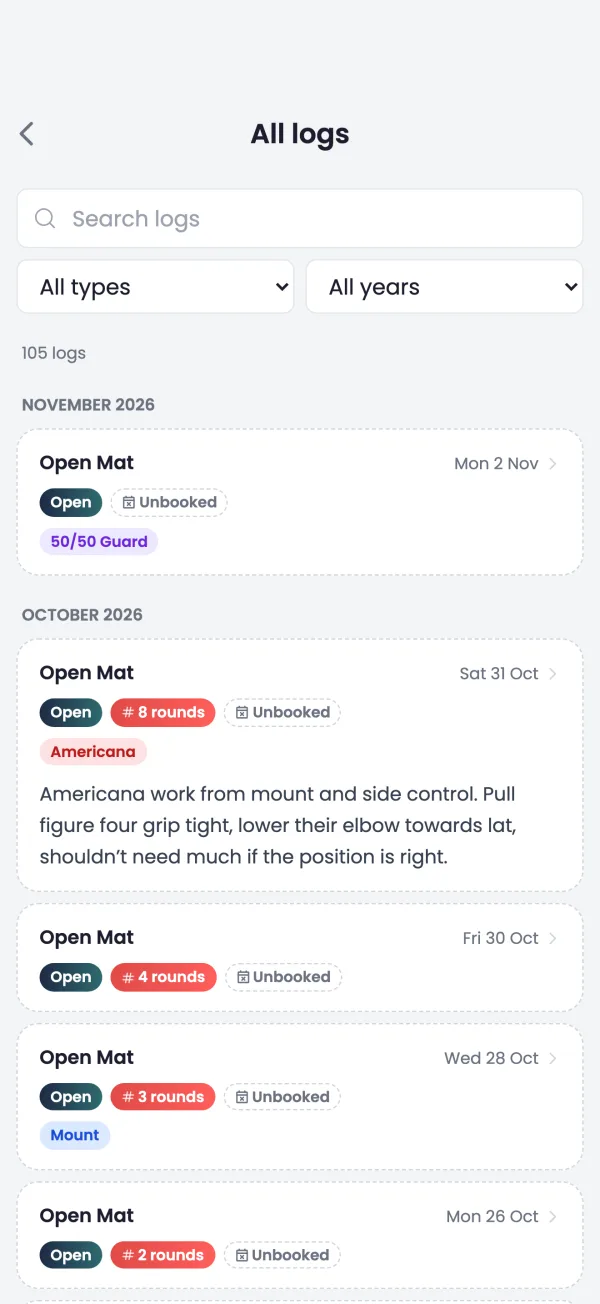
- Techniques, rounds and notesPick the techniques from the library and add your own notes.
- Search your journalFind any class again by what you worked on, its type or the year.
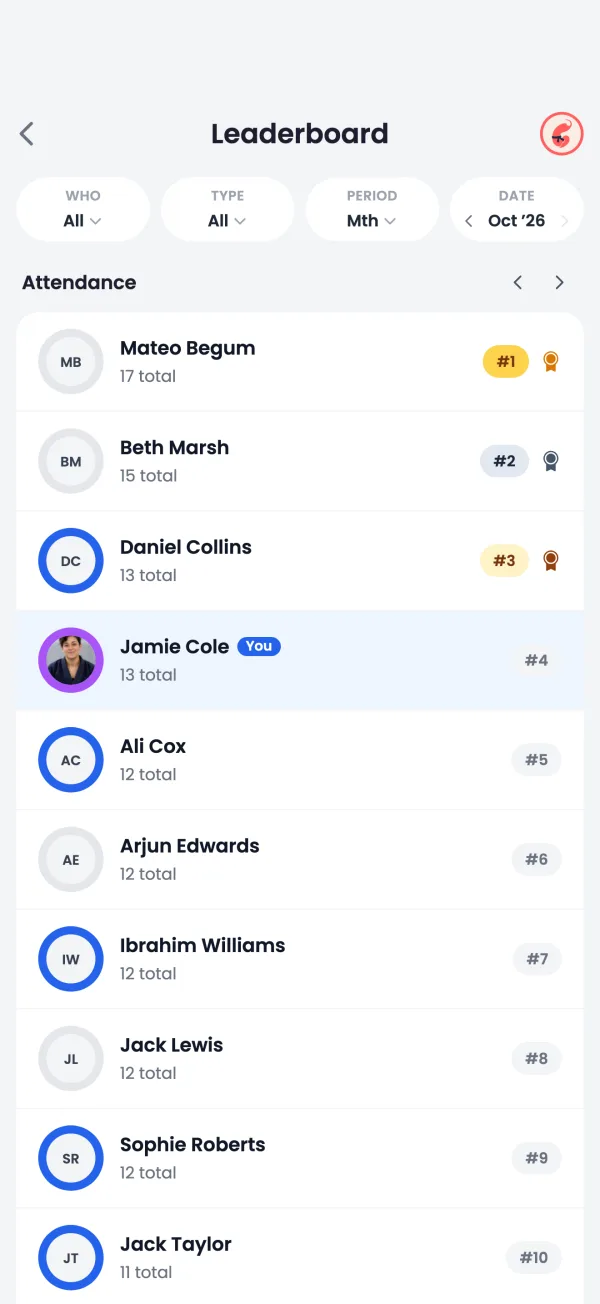
- A weekly targetSet how often you want to train and see how the month is going.
Spot the gaps in your game.
See how much you're training and what you spend it on, so you know what to work on next.
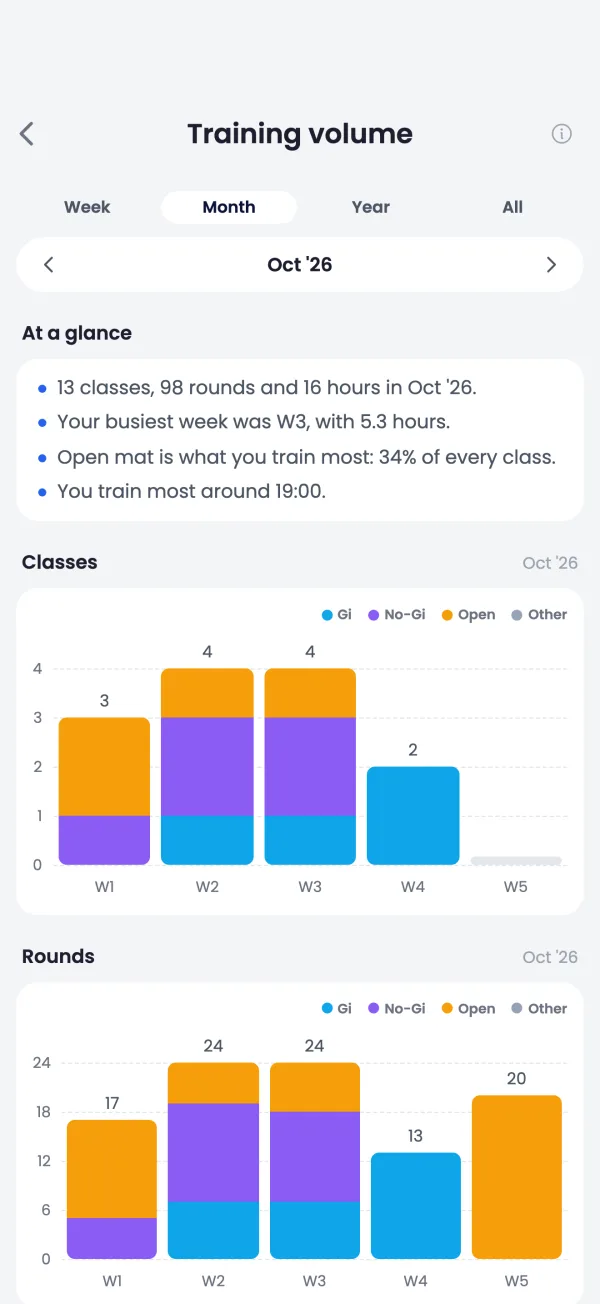
- By week, month or yearClasses, rounds and hours on the mat, as far back as you've logged.
- Gi, No-Gi and open matEvery chart splits by class type.
- What you practise mostThe techniques you keep coming back to, and the ones you've neglected.
Build your game, chain by chain.
Map out what you go for from each position, then keep track of how often it works.
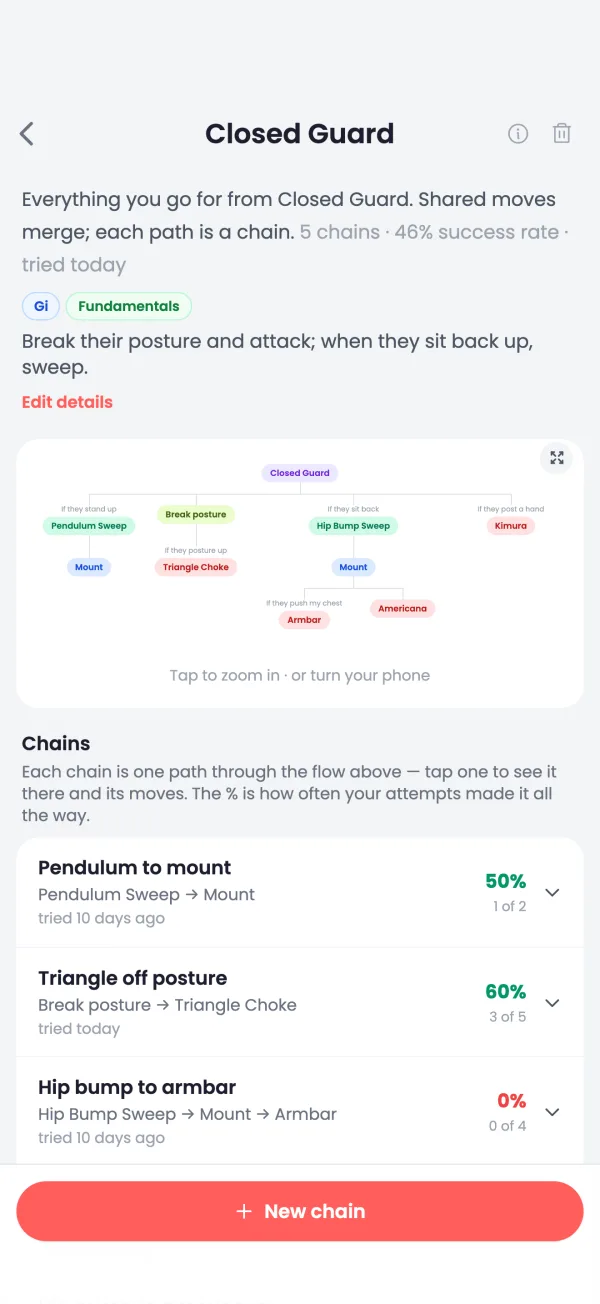
- A plan for every positionMoves that link together, drawn as one flow you can zoom into.
- See what's landingLog your practice and each chain shows how often you finish it.
- Plans from your coachesCoaches can share their game plans with the whole gym.
Manage your kids' training too.
Your children sit on your account. Switch to them in a tap to book their classes and follow how they're getting on.
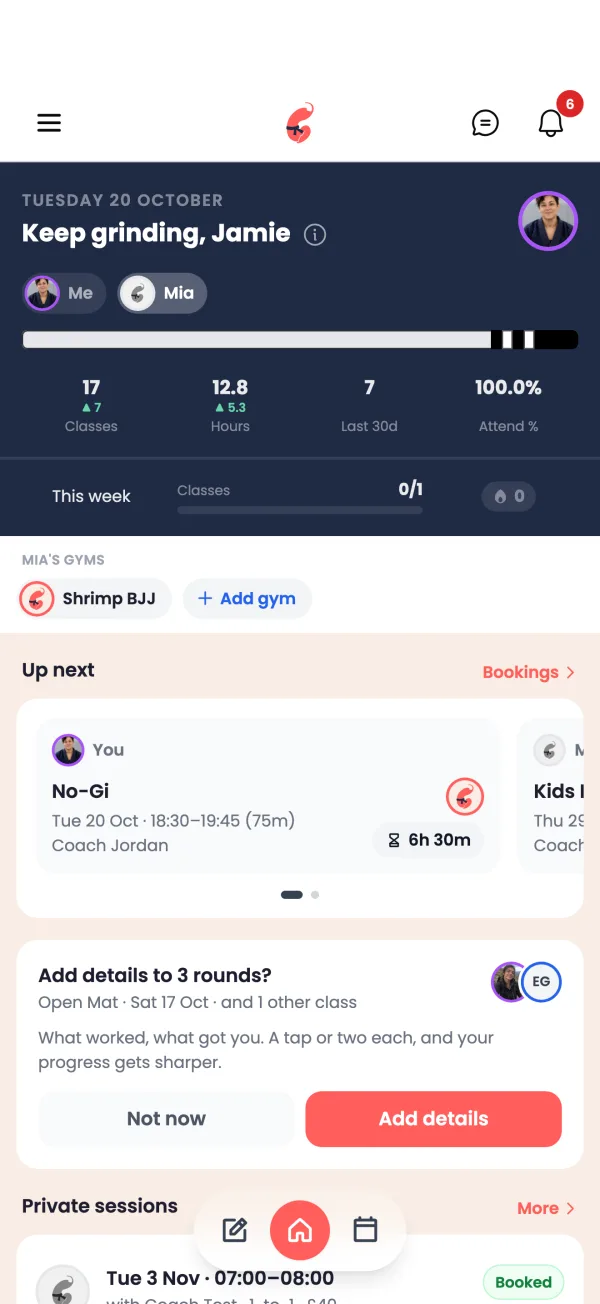
- One login for the whole familyNo separate accounts or passwords for the kids.
- Classes that suit their ageEach child is only offered the classes they can join.
- Follow their progressAttendance, belts and stripes, class by class.